Best Pika Labs Alternatives in 2026: 10 Tools Worth Switching To
Published: 24 Sep 2026
You typed a prompt into Pika, waited, and got a clip that didn’t match what you asked for or burned half your monthly credits on one try. Maybe there’s a watermark on your video that won’t go away unless you upgrade. Maybe you needed a 20-second clip and Pika only gives you 5 or 10 seconds at a time. Whatever brought you here, the feeling is the same: Pika is fun for quick social clips, but it starts to feel small once your project gets serious.
This isn’t another list of ten names with one line each. It goes through the real reasons people look for Pika Labs alternatives, weighs the honest pros and cons of each pick, and tells you which one fits the kind of video you’re actually trying to make, including a full look at Luma alternatives if smooth camera motion is what you care about most.
What Pika Labs Gets Right
Before we get into other tools, credit where it’s due. Pikaffects can melt, explode, blow up, or crush an object and it still looks fun weeks later. Pikaframes lets you set a start and end image and fills in the movement between them. Pikaswaps and Pikadditions let you drop new objects or people into real footage without much work. For a fast, fun, ready-to-post clip, Pika is still one of the quickest tools around.
The trouble starts once “fast and fun” stops being enough.
Why People Look for Pika Labs Alternatives
Most people don’t leave Pika because it’s bad. They leave because their project got bigger than what Pika can handle.
Credits run out fast. A single 10-second clip at 1080p costs around 80 credits, and Pika takes those credits even if the clip fails.
No watermark-free clips without Pro. The $8 a month Standard plan still puts a watermark on everything and won’t let you use clips for work.
Clips are short. Pika tops out around 10 seconds per video. Longer scenes mean joining clips together, and the joins show.
No editor built in. Once you have your clips, you still need another app to cut and put them together.
Not the most realistic option. Great for effects, not so great for anything that needs to look like real footage, and this is exactly where a good list of Pika Labs alternatives comes in handy.
None of this makes Pika a bad tool. It just means a lot of its own users end up needing something else for part of their work.
Pika Labs Alternatives at a Glance
This table doubles as a quick way to scan Luma alternatives too, since a few of these tools compete directly with Luma on camera movement and realism.
| Tool | Best For | Starts At | Free Plan |
| Runway Gen-4.5 | Editing tools built in | $12 to $15 a month | Yes, one-time credits |
| Kling AI | Best price for the quality | $6.99 to $10 a month | Yes |
| Google Veo 3.1 | Sound built into the video | 5 to 40 cents per second, or a Gemini plan | Limited |
| Luma Dream Machine | Smooth, natural camera movement | Around $30 a month | Yes, limited |
| MiniMax Hailuo | Stylized characters | $9.99 a month | Yes |
| Vidu AI | Easy to pick up | Around $13 a month | Yes |
| PixVerse | Fun effects, same face across clips | $10 a month | Yes, daily credits |
| DomoAI | Turning real footage into a different style | $9.99 a month | Yes |
| LTX Studio | Planning a full scene, not just a clip | $15 a month | 800 credits, one-time |
| InVideo AI | Script to finished video | $17 a month | Free trial |
The 10 Best Pika Labs Alternatives (With Pros and Cons)
1. Runway Gen-4.5 — Best for Editing Tools Built In
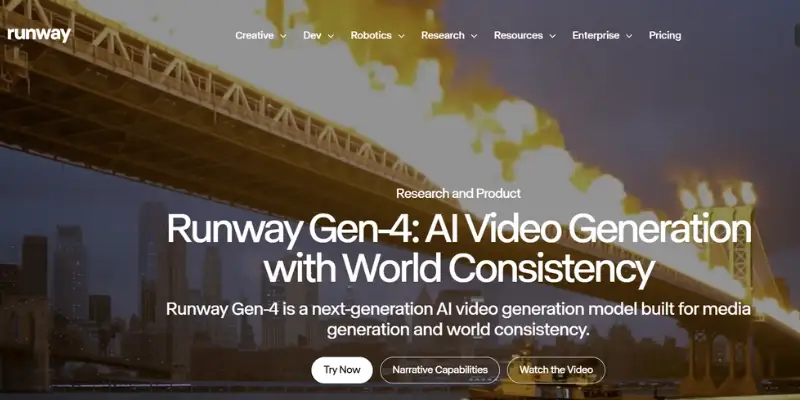
Runway works like a full studio in one place. Gen-4.5 gives you a motion brush, tools to remove or add things, and a real editing timeline, so you’re not exporting to another app just to cut a clip. If Runway ends up feeling like too much or too pricey for what you need, it’s worth going through a full list of Runway AI alternatives before you settle on it, since a few of them cover the same editing-heavy workflow for less.
Good:
- Editing lives in the same app as the video itself
- Motion brush gives you real say over what moves
- Credits are charged per second, so costs are easier to guess than Pika’s
Not so good:
- Failed clips still use up credits
- The high-quality mode burns credits fast
- Costs more than Pika to start
Price: Standard around $12 to $15 a month, Pro around $28 to $35 a month, Unlimited around $76 to $95 a month, all on yearly billing.
Kling AI — Best for Best Price for the Quality
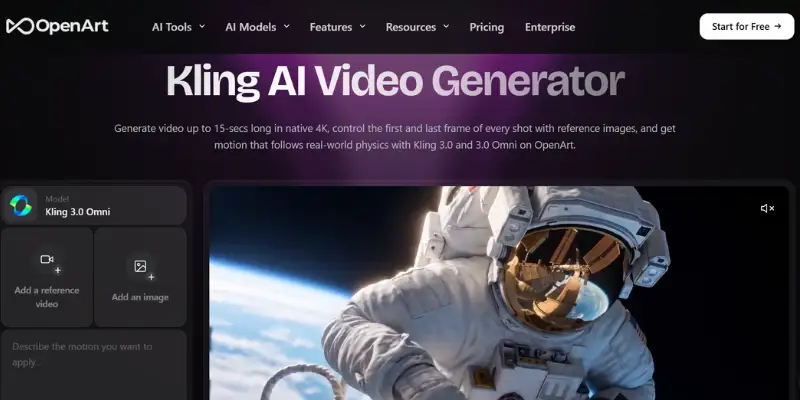
Kling, made by Kuaishou, has quietly become the pick that gives you the most for your money. Kling 3.0 Omni now makes clips with sound that matches the lips, plus smooth movement that holds up against tools costing three times as much. It’s part of a growing group of tools trying to beat each other on price and quality, and looking at some of the other options in this space can help you see where it stands.
Good:
- Best cost per clip on this list
- Sound built into the video at a much lower price than Veo
- Fewer visible joins when you stitch clips together, compared to Pika
Not so good:
- Feels harder to use than Pika at first
- Some tools are locked behind higher plans
- Less known than Runway or Veo, so fewer guides online
Price: Free plan available; paid plans start around $6.99 to $10 a month.
Google Veo 3.1 — Best for Sound and Realism
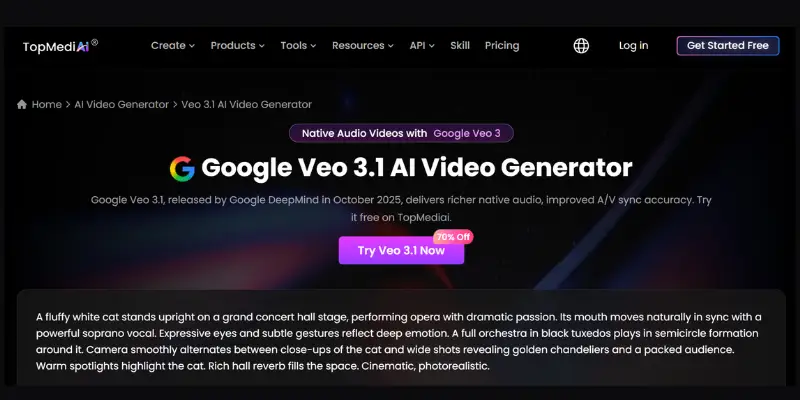
Veo 3.1 is the one most people point to when they need something that looks like real footage. It makes video with sound built in, works well for phone screens, and can go up to 60 seconds in one go, way past Pika’s limit. Among all the Pika Labs alternatives out there, Veo comes closest to true realism, though it focuses more on lighting and sound than on camera movement the way Luma does.
Good:
- Best realism and lighting on this list
- Sound is already part of the clip, no extra step
- Can make clips up to 60 seconds long
Not so good:
- Costs 15 to 40 cents per second through the API, which adds up fast
- Using it through Gemini feels less flexible than a proper video app
- Takes more effort to learn if you’re using it for code or apps
Price: Gemini AI Pro or Ultra plans, or roughly 5 to 40 cents per second, depending on the plan.
Luma Dream Machine — Best for Smooth Camera Movement
Luma’s Ray3 model, now at 1080p, is known for camera movement that feels natural, which comes from Luma’s background in 3D capture. It’s strong for turning a still image into a moving clip. It’s not the only tool people compare it against — a good number of similar tools chase the same kind of realistic motion, so it’s worth checking more than one before you pick.
Good:
- Camera movement feels real, not floaty, great for product shots
- Strong at turning images into video
- Can pull in Veo and Kling under one credit pool through Luma Agents
Not so good:
- No built-in way to go from script to finished edit
- Paid plans cost a lot more than Pika’s, and more than most Luma alternatives too
- Free plan is quite limited
Price: Free plan with limits; Plus and Ultra plans run roughly $30 to $300 a month.
MiniMax Hailuo — Best for Stylized Characters
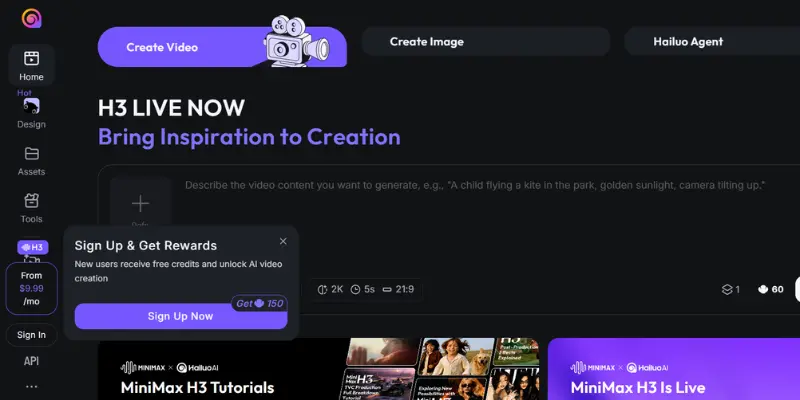
Hailuo 02 has become a favorite for people who want expressive, cartoon-style characters instead of real-looking footage. Sound is a separate add-on, so you’re not forced into a pricier plan just to get it. If Hailuo doesn’t fully match your style, there’s a whole set of tools built around the same idea that are worth a quick look too.
Good:
- Great for mascots and stylized brand videos
- You can pick 6 or 10-second clips
- Cheaper to start than most tools here
Not so good:
- Not built for real-looking footage
- Sound is a separate add-on, not built in
- Fewer editing tools than Runway or LTX Studio
Price: Free plan available; paid plans start around $9.99 a month.
Vidu AI — Best for Beginners
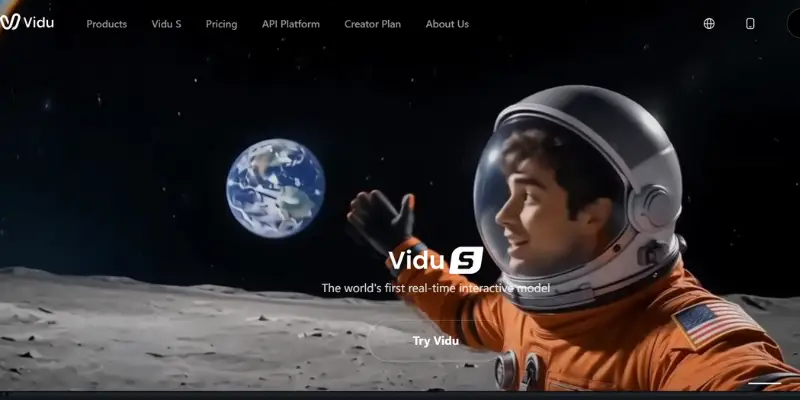
Vidu keeps things easy. It handles a few different styles in one place, works fast, and gets new users a usable clip on the first or second try. Scene changes look smoother than what Pika does by default. Since this space moves fast, checking a few tools that do a similar job before you commit to a plan is never a bad idea.
Good:
- Very easy to pick up, even for total beginners
- Smooth transitions between scenes
- Fast for how cheap it is
Not so good:
- Fewer advanced tools than Runway or LTX Studio
- Less known, so less community help online
- Not the top choice for movie-style, long-form work
Price: Free plan available; paid plans start around $12.99 a month.
PixVerse — Best for Fun Effects and Consistent Characters
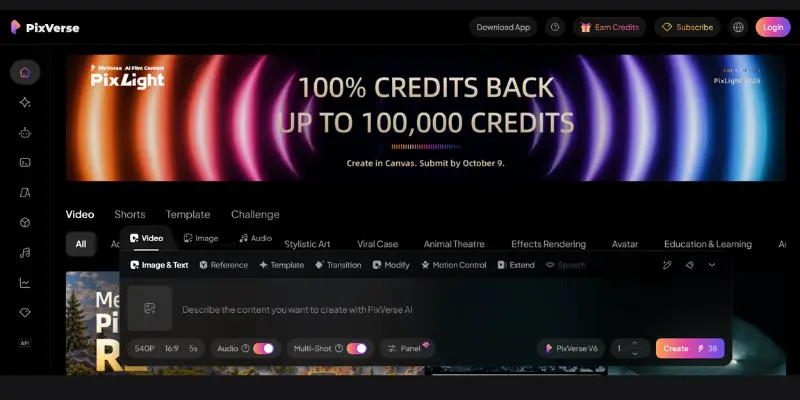
PixVerse is the closest thing to Pika on this whole list, fast, built on templates, full of effects, made for short clips. It’s better than Pika at keeping the same character looking the same across several clips, which matters if you’re running a mascot or a character that keeps showing up on your channel.
Good:
- Feels the most familiar if you’re used to Pika
- Free credits reset every day, not just once a month
- Keeps characters looking the same across clips
Not so good:
- Not as real-looking as Runway, Veo, or Kling
- Watermark-free clips need a higher plan
- Effects can start to feel the same after a while
Price: Free plan with daily credits; paid plans start around $10 a month.
DomoAI — Best for Turning Real Footage into a New Style
DomoAI does something the others don’t. It takes footage you already shot and turns it into a different look, like anime or a painted style, while keeping the movement the same. Pika can’t really do this since it only makes new video from scratch. If this workflow interests you, it helps to look at a few other tools that do restyling too, since not all of them handle it the same way.
Good:
- Covers a job none of the pure generation tools do
- Good for turning real clips into stylized content
- Fair starting price
Not so good:
- Won’t help if you don’t already have footage to start with
- Not built for making new video from a text prompt
- Some styles work better than others depending on the clip
Price: Free plan available; paid plans start around $9.99 a month.

LTX Studio — Best for Planning a Full Scene
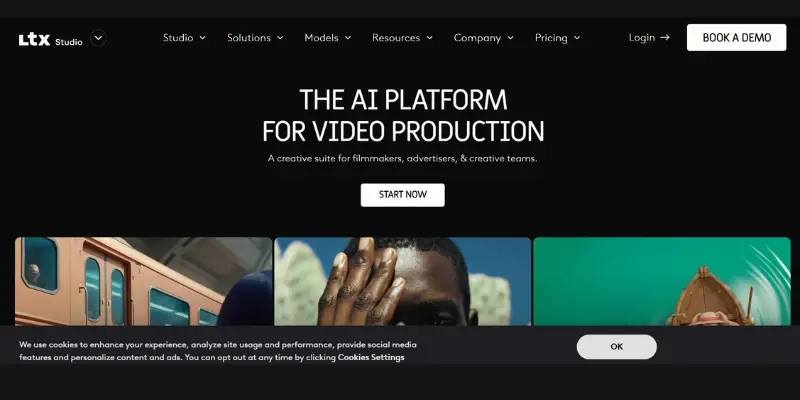
LTX Studio, made by Lightricks, starts from a whole script instead of one prompt. It builds a scene-by-scene plan, then lets you change lighting, swap actors, or move the camera before you make anything. It also gives you access to Veo and Kling inside one plan, which puts it in an interesting spot for people who searched for Pika Labs alternatives but actually wanted more planning tools, not just smoother motion.
Good:
- Real script-to-plan process, not just one clip at a time
- Access to more than one model in one place
- Free plan is good enough to try before you pay
Not so good:
- No built-in music tool
- Commercial use needs the Standard plan or higher
- Too much for someone who just wants one quick clip
Price: Free plan with 800 one-time credits; Lite around $15 a month, Standard around $35 a month, Pro around $125 a month.
InVideo AI — Best for Script to Finished Video
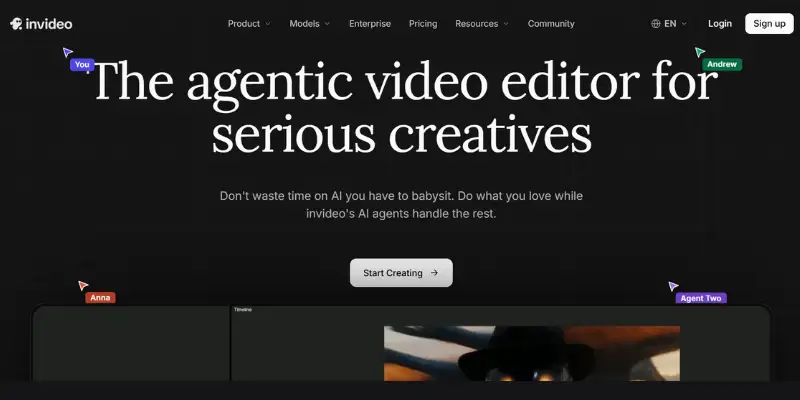
InVideo Agent goes the furthest past what Pika does. It handles the script, plans the shots, picks between several video tools, and puts everything together in one flow, while trying to keep the same look across the whole project. If that feels like more than you need for smaller projects, it’s worth checking a few InVideo AI alternatives too, since some of them offer a lighter version of the same idea.
Good:
- The most complete tool here, script to finished video
- Keeps the same look across a whole project, not just one clip
- Handles the hard part of long projects for you
Not so good:
- More setup than you need for one quick, one-off clip
- Higher plans get expensive fast
- Takes more time to learn than Pika’s simple prompt box
Price: Plus $17 a month, Max $85 a month, Generative $170 a month, Elite $900 a month, all on yearly billing.
How to Pick the Right One
- Quick, fun social clips? PixVerse or Vidu AI will feel the most familiar.
- Want editing tools in the same app? Runway Gen-4.5 covers that.
- Care most about price per clip? Kling AI wins here.
- Need it to look real, with camera motion that doesn’t feel fake? This is where you actually want to compare Pika Labs alternatives side by side, since Google Veo 3.1 and Kling both come close to what Luma does but at different price points.
- Making a full story, not just clips? LTX Studio or InVideo AI go further than the rest.
- Working from footage you already have? DomoAI is built for exactly that.
RELATED POSTS
16 Kling AI Alternatives That Actually Work in 2026
What Is Domo AI? Complete Guide to Features, Pricing & How It Works
15 Best Invideo AI Alternative (Free & Paid Video Generators)
Pika Labs Alternatives: Prices Side by Side
| Tool | Cheapest Paid Plan | Watermark-Free on That Plan? |
| Pika | $8 a month (Standard) | No, needs Pro at $28 a month |
| Kling AI | $6.99 to $10 a month | Yes |
| PixVerse | $10 a month | No, needs a higher plan |
| Runway | $12 to $15 a month | Yes |
| DomoAI | $9.99 a month | Depends on the plan |
| Hailuo | $9.99 a month | Yes |
| Vidu AI | $12.99 a month | Yes |
| LTX Studio | $15 a month | No, commercial use needs Standard |
| InVideo Agent | $17 a month | Yes |
| Luma | Around $30 a month | Yes |
Notice the pattern: a lot of these tools give you clean, watermark-free video right on their cheapest paid plan. Pika makes you go two plans up before you get that. If price is the main thing pushing you to compare Pika Labs alternatives, Kling and Veo both cost less than Luma’s own starting price of about $30 a month.
Mistakes People Make When Switching From Pika
- Judging a tool off one bad try. Every tool on this list needs a few tries before it clicks with how you write prompts.
- Not doing the credit math. Look at cost per finished clip, not just the price on the plan.
- Skipping the free plan. Almost every tool here has some free credits. Test two or three on the same idea before you pay for anything.
- Forgetting about commercial rights. Some tools lock clean, paid-use video behind a higher plan than you’d expect.
- Picking based on what’s popular, not the job. A tool great for real-looking video isn’t automatically right for fast social clips, and the other way around too. This confuses a lot of people comparing Pika Labs alternatives without knowing what they actually need each tool for.
Conclusion
Pika earned its spot as a fast, fun way to get into AI video, and for quick social clips it still holds up fine. But once you need longer clips, real editing tools, sound built in, better realism, or a proper way to make a full video from start to finish, one of these ten tools will likely serve you better. Match the tool to the job you’re actually doing, not the flashiest demo you’ve seen, and try it against Pika on the same idea before you pay for anything.
And if smooth, real camera motion is the one thing you’re after, don’t stop at Luma itself. Going through a proper list of Pika Labs alternatives first will usually save you money without costing you much quality.
FAQS
Kling AI, Hailuo, and Vidu AI all have paid plans under $13 a month with no watermark and clean commercial use. Pika only gives you that at its $28 a month Pro plan.
Vidu AI and PixVerse both feel close to what Pika users already know.
OpenAI is shutting Sora down in 2026, and a lot of people who were also comparing it against Pika have moved to Google Veo 3.1 for its realism and built-in sound.
Yes. Google Veo 3.1 can go up to 60 seconds in one clip, and LTX Studio and InVideo Agent both support full, multi-scene projects instead of single clips.
Kling AI gets closest for the least money, and Google Veo 3.1 gets closest on pure realism if you don’t mind paying more per clip. Both are solid Pika Labs alternatives depending on which matters more to you, price or realism.
A bit at the start, but Runway gives you clean, commercial-use clips right away, which Pika only gives you on its Pro plan.
InVideo Agent and LTX Studio are both built for full projects, keeping the shots and look the same from start to finish.
Depends how you use them. Kling AI and DomoAI tend to cost less per usable clip since Pika charges credits even on failed tries. Luma and InVideo’s top plans can end up costing more than Pika though.





- Be Respectful
- Stay Relevant
- Stay Positive
- True Feedback
- Encourage Discussion
- Avoid Spamming
- No Fake News
- Don't Copy-Paste
- No Personal Attacks
- Be Respectful
- Stay Relevant
- Stay Positive
- True Feedback
- Encourage Discussion
- Avoid Spamming
- No Fake News
- Don't Copy-Paste
- No Personal Attacks
