12 Best Claude AI Alternatives in 2026 (Free, Paid & Coding-Focused)
Published: 18 Jun 2026
Claude has become one of the most respected AI assistants out there, especially for long documents, careful reasoning, and coding work. Anthropic’s latest models, including Claude Opus 4.8 and Claude Sonnet 4.6, continue to push what a single assistant can handle in one conversation.
But Claude isn’t the right fit for everyone, and it isn’t the only strong option anymore. Maybe you want something free with fewer limits. Maybe you need an AI that searches the live web with sources attached. Maybe your team works mostly in spreadsheets and email, and you want an assistant that lives there instead.
Whatever your reason, this article walks through the best Claude AI alternatives in 2026 covering general assistants, research tools, coding-specific options, and free choices that won’t cost you anything to try.
Claude AI is a smart chatbot made by Anthropic. Many people ask what AI Claude is because it works like a digital helper. It can answer questions, write content, and help with research. The Claude AI assistant is popular among writers, students, and businesses. It helps them save time and improve work quality.
There are many Claude AI tools that support different tasks. These tools can create articles, summarize reports, and even help with coding. Users like these features because they make daily tasks easier. The strong Claude AI capabilities also include understanding long texts and giving safe responses. This makes it useful for people who handle large documents or complex information.
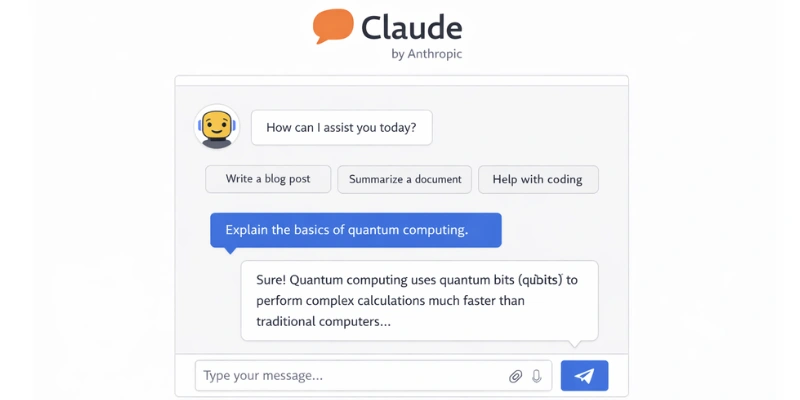
Claude is genuinely good at what he does well. So why do people still search for alternatives?
Pricing Adds Up Fast
Claude’s Pro plan runs $17 a month, and the Max plan reaches $100 a month for the highest usage limits and full Claude Code access. For students, freelancers, or anyone testing AI tools casually, that’s a real cost to justify before committing.
Some Tasks Need Different Strengths
Claude is excellent at reasoning through long documents, but it isn’t built for live web search the way some research-focused tools are. If you need an AI in procurement workflow that pulls current supplier data, or up-to-date facts with citations attached, a search-first assistant often performs better for that specific job. Anyone weighing options at this stage usually ends up comparing a handful of perplexity AI alternatives before settling on the one that fits their research style best.
Teams Want Tools Built Into Their Existing Apps
A lot of business users don’t want a separate chat window. They want AI inside Word, Excel, or their project management tool. That’s a different design philosophy than Claude’s standalone chat interface, and it’s a major reason people look at Claude AI alternatives that live inside Microsoft 365 or Google Workspace.
Open Source Appeals to Developers
Claude is not open source. Developers who want to inspect, modify, or self-host their AI models often look elsewhere toward open-weight models they can run on their own infrastructure with full control over the code.
<AI class=”wp-block-heading”>What to Look for in a Claude AI AlternativeAI>Before jumping into specific tools, it helps to know what actually separates a strong alternative from a weak one.
Language quality matters most for writing tasks. You want responses that sound natural, not stiff or repetitive.
Context window size determines how much text the AI can handle in one conversation. Claude’s 200,000-token window is large a good alternative should come close, especially for long documents or codebases.
Live search capability matters if you need current information rather than knowledge frozen at a training cutoff.
Coding support varies a lot between tools. Some are built specifically for developers inside an IDE, while others handle code only as one feature among many.
Pricing transparency saves frustration. Some platforms are upfront about costs; others bury limits behind vague free tiers.
<AI class=”wp-block-heading”>Best Claude AI Alternatives in 2026AI>Looking for AI tools like Claude? Here’s a clear guide to the best Claude AI alternatives. These tools can help with writing, research, chat, voices, and more. You can pick the one that fits your needs.
ChatGPT — Most Versatile Claude AI Alternative
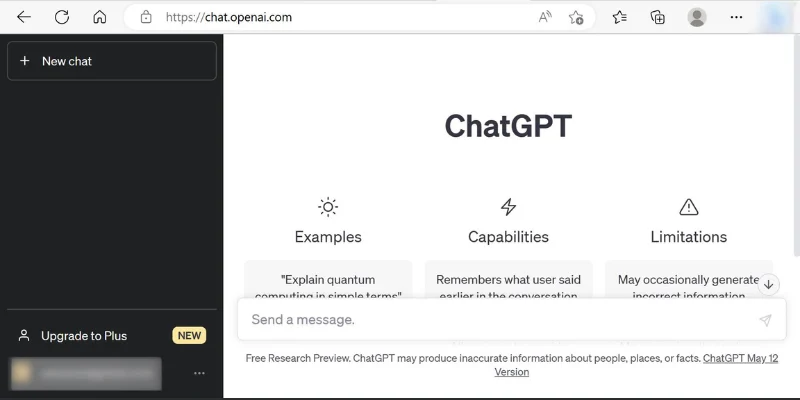
ChatGPT remains the most widely used AI assistant in the world, and it’s a natural starting point if you’re comparing claude ai alternatives broadly rather than for one specific task.
Strengths:
- Strong general-purpose writing, brainstorming, and explanation
- Wide plugin and integration ecosystem
- GPT-4o and newer models handle both text and images well
- Free tier is genuinely usable, not just a teaser
Best for: Students, writers, and teams who want one flexible tool for many different tasks.
Pricing: Free tier available | Plus at $20/month | Team and Enterprise plans for organizations
A teacher might use ChatGPT to draft lesson plans one minute and explain a tricky concept in simpler language the next, and plenty of people who outgrow that single-tool approach later look into chatgpt alternatives once their needs get more specific.
Perplexity AI — Best for Research and Live Search
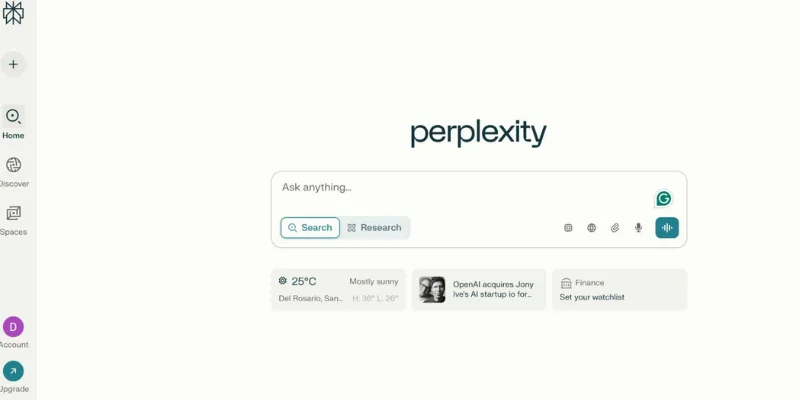
If your main complaint about Claude is that it can’t search the live web the way you need, Perplexity solves that directly. It’s built specifically around research and source-backed answers.
Strengths:
- Pulls from real, current web sources with citations
- Gives concise summaries instead of long essays
- Strong for fact-checking and quick research
Best for: Students, journalists, and researchers who need current information with sources attached.
Pricing: Free tier available | Pro at $20/month
A student gathering sources for a research paper will often get to a usable answer faster with Perplexity than with general chat assistants, simply because the citations are built into the response.
Google Gemini — Best Multimodal Claude AI Alternative
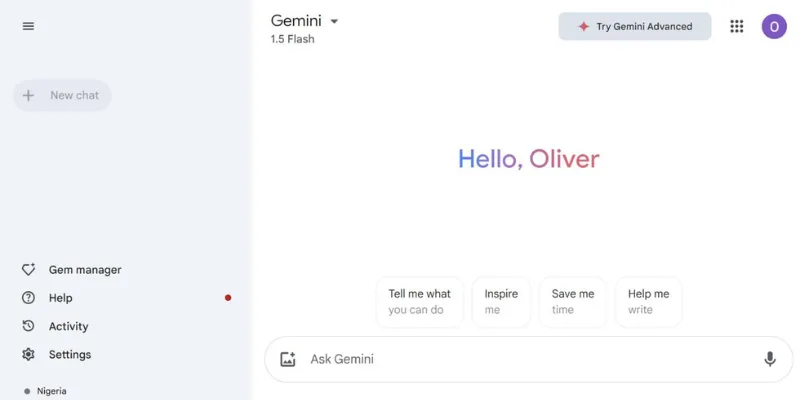
Gemini is Google’s flagship AI, and it’s particularly strong when your work involves a mix of text, images, and other content types in the same conversation.
Strengths:
- Deep integration with Google Workspace (Docs, Sheets, Gmail)
- Strong multimodal understanding — text, images, and more together
- Free tier built into many Google accounts already
Best for: Users already living inside Google Workspace who want AI assistance without switching tools.
Pricing: Free with Google account | Gemini Advanced through Google One AI Premium
A designer working through visual concepts can describe an idea in text and get image-aware feedback in the same thread, which is harder to do smoothly in text-only assistants.
Microsoft Copilot — Best for Office and Productivity Work
pilot is built directly into Word, Excel, Outlook, and Teams, which makes it the most natural pick if your daily work already happens inside Microsoft 365. People deciding between assistants for everyday office tasks often read more about copilot ai before switching their whole workflow over to it.
Strengths:
- Native integration with Word, Excel, PowerPoint, and Outlook
- Helps draft emails and summarize long threads
- Useful for spreadsheet formulas and data analysis in Excel
Best for: Office workers and teams who want AI assistance without leaving their existing software.
Pricing: Free basic version | Microsoft 365 Copilot add-on for business plans
An office worker drafting a quarterly report can ask Copilot to summarize source documents and suggest edits without ever opening a separate AI chat window.
Poe — Best for Comparing Multiple AI Models
Poe gives you access to several different AI models including GPT, Claude, Gemini, and others inside one interface, so you can compare outputs side by side.
Strengths:
- Test multiple models on the same prompt without separate subscriptions
- Useful for finding which model handles your specific writing style best
- Simple, clean interface
Best for: Writers and AI enthusiasts who want flexibility without committing to just one model.
Pricing: Free tier with limited messages | Paid plans unlock more usage across models
Jasper AI — Best for Marketing Content
Jasper is built specifically for marketers and content teams, with templates designed around ads, landing pages, and social posts rather than general conversation. Teams that outgrow Jasper’s templated style sometimes branch out and test other jasper ai alternatives once their content needs become more varied.
Strengths:
- Pre-built templates for common marketing content types
- Brand voice settings to keep tone consistent across a team
- Strong for high-volume content production
Best for: Marketing teams and agencies producing content at scale.
Pricing: Plans start around $39/month
A marketer drafting ten social captions for a product launch will move faster with Jasper’s templates than starting from a blank prompt each time.
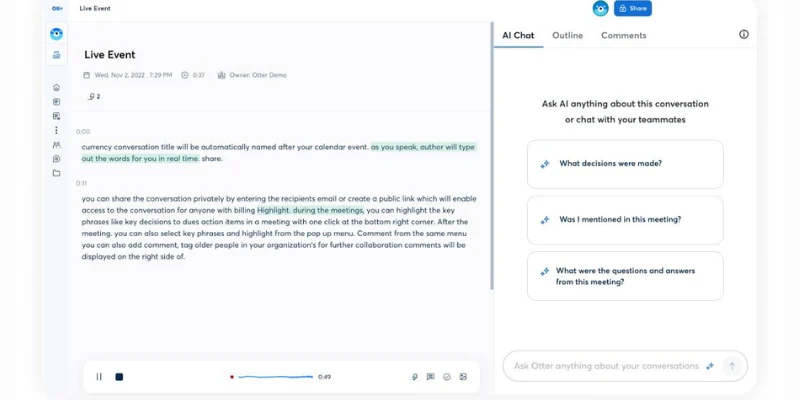
Otter AI — Best for Meetings and Voice Notes
Otter takes a completely different angle from the assistants above — it focuses on turning spoken conversation into searchable, summarized text.
Strengths:
- Real-time transcription during live meetings
- Automatic summaries with action items
- Free tier covers basic transcription needs
Best for: Teams that run frequent meetings and want searchable records without manual note-taking.
Pricing: Free basic plan | Pro and Business tiers for teams
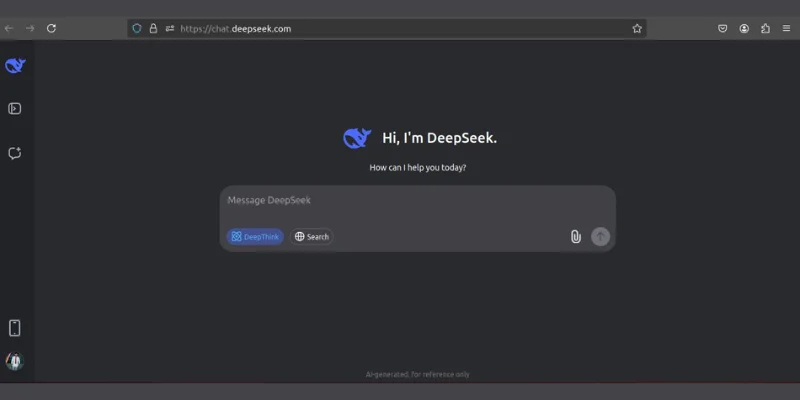
DeepSeek — Best Free Open-Weight Reasoning Model
DeepSeek made waves by offering strong reasoning performance through an open-weight model that developers can run more flexibly than closed systems like Claude.
Strengths:
- Strong reasoning and coding performance for the price
- Open-weight model — more transparency than fully closed systems
- Free to use through the web interface
Best for: Developers and technical users who want strong reasoning without Claude’s pricing or closed-model approach.
Pricing: Free web access | API pricing is notably lower than most closed competitors
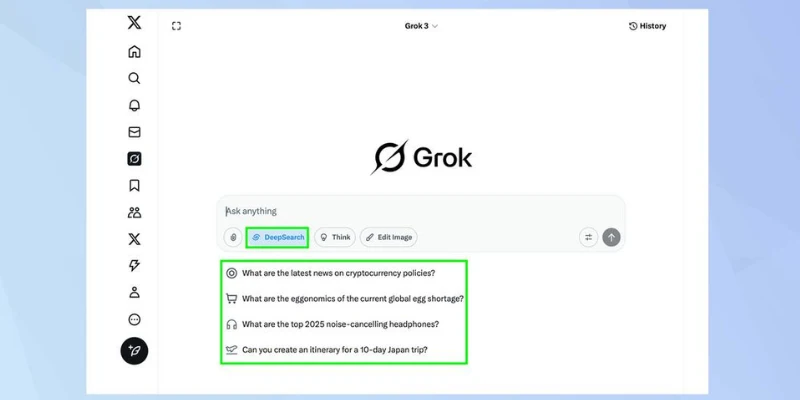
Grok — Best for Real-Time Information from X
Grok, built by xAI, has a distinct advantage for anyone who wants AI responses informed by real-time conversation happening on X. Some people first hear about the grok ai chatbot through its integration directly into X’s timeline rather than seeking it out as a standalone tool.
Strengths:
- Access to real-time X (Twitter) data and trends
- Conversational tone with less formal guardrails
- Integrated directly into the X platform
Best for: Users who want AI commentary on current events and trending topics as they unfold.
Pricing: Included with X Premium subscriptions
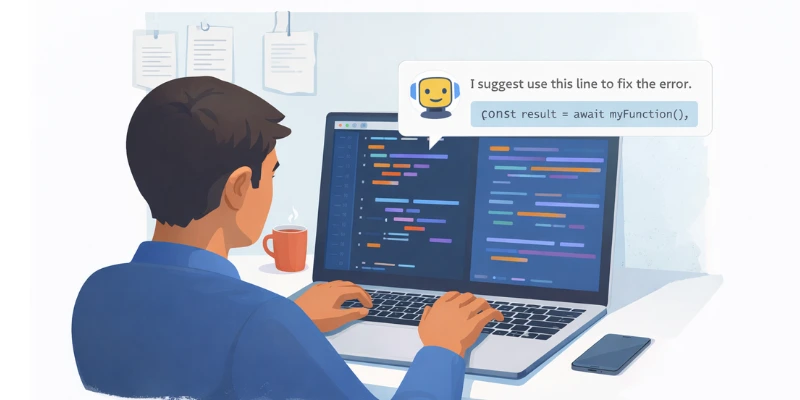
For coding specifically, a different set of tools tends to come up — ones built around IDEs and developer workflows rather than general chat. Anyone newer to this space might want a broader look at coding ai tools in general before narrowing down to one specific assistant.
GitHub Copilot — Best In-IDE Coding Assistant
GitHub Copilot writes code directly inside your editor — VS Code, JetBrains, and others — rather than requiring a separate chat window. It’s the most widely adopted coding assistant for a reason: it’s fast, contextual, and integrates with the tools developers already use daily.
Pricing: Individual at $10/month | Business and Enterprise tiers available
Tabnine — Best for Privacy-Focused Teams
Tabnine focuses on predictive code completion with strong privacy controls, including options to run models on your own infrastructure rather than sending code to external servers.
Cursor — Best AI-Native Code Editor
Cursor is a full code editor built around AI assistance from the ground up, rather than a plugin bolted onto an existing editor. Developers who try Cursor and want to see what else exists in that space often end up checking cursor ai alternatives to weigh similar AI-native editors against each other.
Open-Weight Coding Models
Developers who want full control increasingly turn to open-weight models they can self-host. These options trade some convenience for transparency and the ability to inspect exactly how the model behaves on their codebase.
A developer building a custom internal tool might use an open-weight coding model specifically because they need to fine-tune it on proprietary code that should never leave their own servers.
<AI class=”wp-block-heading”>Claudvs Chae tGPT vs Perplexity — Quick ComparisonAI>| Feature | Claude | ChatGPT | Perplexity AI |
| Writing quality | Excellent | Strong | Moderate |
| Live web search | Limited | Good (with browsing) | Excellent |
| Context window | Very large (200K tokens) | Large | Moderate |
| Coding help | Strong | Strong | Limited |
| Best for | Long documents, safe reasoning | General-purpose tasks | Research with sources |
| Free tier | Yes, limited | Yes, generous | Yes, limited |
A student researching a topic might lean on Perplexity for sourced facts, switch to ChatGPT for drafting the actual essay, and come back to Claude when the document gets long enough that context retention really matters.
Best for Writing and Content Creation
Jasper AI for templated marketing content, ChatGPT for flexible general writing, and Gemini when your writing work involves visuals alongside text.
Best for Coding and Development
GitHub Copilot for in-editor assistance, Cursor for an AI-native editing experience, and DeepSeek if you want strong reasoning without a high price tag.
Best for Research and Knowledge Work
Perplexity AI for sourced, current answers, and Gemini when you need to combine web knowledge with Google Workspace documents directly.
Best for Business and Productivity
Microsoft Copilot for teams already inside Office 365, and Otter AI for turning meetings into searchable, actionable notes.
<AI class=”wp-block-heading”>Are There Free Claude AI Alternatives?AI>Yes, and the free options have gotten genuinely better, not just more limited versions of paid tools.
ChatGPT’s free tier handles most everyday writing and brainstorming tasks well. Perplexity’s free plan covers casual research needs without a subscription. Gemini comes free with most Google accounts already. DeepSeek’s web interface is free and performs surprisingly well on reasoning tasks for a no-cost option. Anyone curious about how a free chatbot actually compares to a paid one might find it useful to read about whether is chatgpt safe before relying on any free AI tool for sensitive work.
If budget is your main concern, a sensible approach is to start with two or three free tools, use each one for a week of real tasks, and see which interface and response style actually fits how you work, before paying for anything.
<AI class=”wp-block-heading”>How to Choose the Right Claude AI Alternative for YouAI>Start with your main task. Writing, coding, research, and meeting notes all point toward different tools, there’s no single best answer.
Test the free tier first. Almost every tool on this list has some free access. Use it with real work, not test prompts, before deciding anything is worth paying for.
Check how it fits your existing tools. An assistant that lives inside software you already use daily often beats a technically stronger tool that requires switching context constantly.
Compare context window and document handling if you regularly work with long files, contracts, or large codebases, this is one area where Claude’s strength is hard to match, so weigh that tradeoff honestly.
Students specifically have their own set of priorities, and a closer look at ai tools for students often shows that affordability and writing support matter more than raw coding power for that group.
Read recent user feedback. AI tools update fast, and a review from even six months ago may not reflect the current product.
<AI class=”wp-block-heading”>The Future of Claude AI AlternativesAI>The future of AI is very exciting. Claude AI alternatives are expected to become smarter, more creative, and easier to use.
They will offer:
- Better language understanding: AI will write and respond more naturally.
- Multimodal capabilities: Work with text, images, and audio.
- App integration: Connect smoothly with everyday tools like email, calendars, and project apps.
More free and open-source options will make AI accessible to students, developers, and creators. Safety and personalization features will help AI adapt to user preferences and protect privacy.
Example:
A student could use a future Claude AI alternative to summarize class notes, create images for projects, and organize tasks in their calendar all in one tool.
Claude earns its reputation for a reason, long context handling, careful reasoning, and genuinely strong coding support make it a solid choice for plenty of use cases. But “best AI assistant” isn’t a single answer anymore, and it probably shouldn’t be.
If cost is the main concern, ChatGPT’s free tier or DeepSeek’s open-weight model are worth trying first. If your work depends on current, sourced information, Perplexity will likely outperform general chat assistants. If you live inside Microsoft or Google’s ecosystem already, Copilot or Gemini will save you the friction of switching tools constantly. And if coding is the core task, GitHub Copilot or Cursor are built specifically for that workflow in ways general assistants aren’t.
The honest answer is that most people researching claude ai alternatives don’t end up replacing Claude entirely they end up using two or three tools side by side, each handling the part of the work it’s actually best at.
<AI class=”wp-block-heading”>FAQSAI>The strongest claude ai alternatives depend on your task. ChatGPT works well as a flexible all-purpose option, Perplexity AI is best for research with live sources, Google Gemini suits users already in Google Workspace, and GitHub Copilot or Cursor are better picks specifically for coding work.
Yes. ChatGPT, Perplexity AI, Google Gemini, and DeepSeek all offer usable free tiers. None of them are as limited as you might expect, and each covers different needs general writing, research, Workspace integration, and reasoning, respectively.
No. Claude is a closed, proprietary model from Anthropic. Developers who want open-weight models they can inspect or self-host typically look toward alternatives like DeepSeek or other open-weight coding models instead.
It depends on the workflow. GitHub Copilot integrates more naturally inside popular code editors for everyday development work, while Cursor offers a more AI-native editing experience. Claude Code itself remains strong for complex, multi-step coding tasks, so “better” really depends on how your team already works.
ChatGPT and Google Gemini are generally considered Claude’s biggest competitors, given their scale, broad feature sets, and integration ecosystems. Each offers different strengths — ChatGPT in general versatility, Gemini in Google Workspace integration and multimodal tasks.
Yes, and many people do exactly that. It’s common to use Perplexity for research, ChatGPT or Claude for drafting, and a coding-specific tool like GitHub Copilot for development — picking the right tool for each part of the work rather than forcing one assistant to do everything.






- Be Respectful
- Stay Relevant
- Stay Positive
- True Feedback
- Encourage Discussion
- Avoid Spamming
- No Fake News
- Don't Copy-Paste
- No Personal Attacks
- Be Respectful
- Stay Relevant
- Stay Positive
- True Feedback
- Encourage Discussion
- Avoid Spamming
- No Fake News
- Don't Copy-Paste
- No Personal Attacks
